
Clean Up Your PDFs: Direct, Easy Compression
Put this guide to work
Try the tool with your own file. No separate File Hub account or desktop converter needed.
Open File Hub in TelegramBot uploads: up to 20 MB, including PRO. HD photo downloads require PRO.
This guide was prepared with AI assistance. Stock images illustrate the topic; they are not examples of processed files. Check the current options and limits in File Hub.
Your files, in your Telegram chat
Bot results include operation hashtags, so you can find them again with Telegram search.
An image Mini App
Compress, convert, resize, rotate, crop an avatar or remove EXIF locally. Other tools open in the bot.
Start with daily free uses
2 free uses of this tool per day. PRO removes daily use limits; it does not raise the bot’s 20 MB incoming-file limit.
Invite friends
The bot has a referral program. Commission depends on eligible purchases and the program’s conditions; income is not guaranteed.
Why Cluttered PDFs Are a Problem
Ever tried to email a large PDF, only to have it bounce back? Or found that huge document slowing down your device? Big PDF files are a common headache. They take up too much storage, make sharing difficult, and can be slow to open or upload. When you need to send a proposal, share a report, or simply free up space, a bloated PDF is a hurdle.
This is where File Hub steps in. Our tool is designed for those moments when you need a direct, clean, and easy solution to reduce PDF file size. No complex software to install, no confusing settings – just a straightforward process to get your documents leaner and more manageable. It’s perfect for students, professionals, and anyone who deals with PDFs daily and values efficiency.
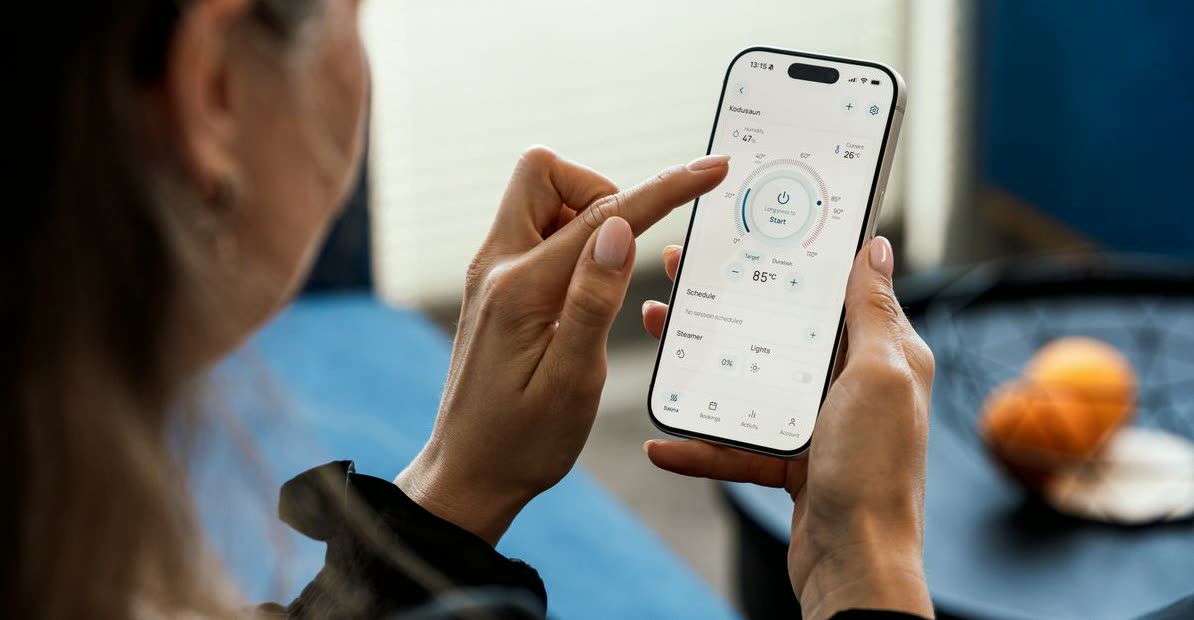
How to Directly Clean and Compress a PDF in Telegram
Using File Hub's PDF compression tool is incredibly simple. You won't need to leave Telegram or download any extra apps.
- Open Telegram and find the
@dwnl_hub_bot. - Send your PDF file directly to the bot. For example, send a 5MB report.
- The bot will present you with options. Tap the "Compress PDF" button.
- Wait a moment as the bot processes your file.
- The bot will send back your compressed PDF. You can then download it and check its new, smaller size.
- To verify the compression, simply compare the file size of the original with the new file received from the bot. The goal is to see a noticeable reduction, making it easier to share or store.
Getting the Best Results (and What to Do with Large Files)
While our PDF compressor is designed for simplicity, a few tips can help you get the most out of it.
Remember that compression involves a trade-off: significant size reduction might subtly affect image quality within the PDF. For most documents, this is imperceptible, but if your PDF contains high-resolution photos or graphics, it's a good idea to quickly review the compressed version.
Our bot handles incoming files up to 20 MB. If your PDF is larger than this, the bot won't be able to process it directly. In such cases, consider using a desktop tool to reduce its size locally first, or split the document into smaller parts before sending them to the bot for individual compression. This ensures you can still benefit from the bot's easy compression feature for each section.
You get a generous daily allowance of 3 free PDF compressions. For unlimited daily use, consider upgrading to File Hub PRO.
FAQ
What does "direct clean easy" mean for PDF compression?
Is there a limit to the size of the PDF I can compress?
How many PDFs can I compress for free?
Put this guide to work
Try the tool with your own file. No separate File Hub account or desktop converter needed.
Open File Hub in TelegramBot uploads: up to 20 MB, including PRO. HD photo downloads require PRO.