
Effortlessly Reduce File Size for Sharing
Put this guide to work
Try the tool with your own file. No separate File Hub account or desktop converter needed.
Open File Hub in TelegramBot uploads: up to 20 MB, including PRO. HD photo downloads require PRO.
This guide was prepared with AI assistance. Stock images illustrate the topic; they are not examples of processed files. Check the current options and limits in File Hub.
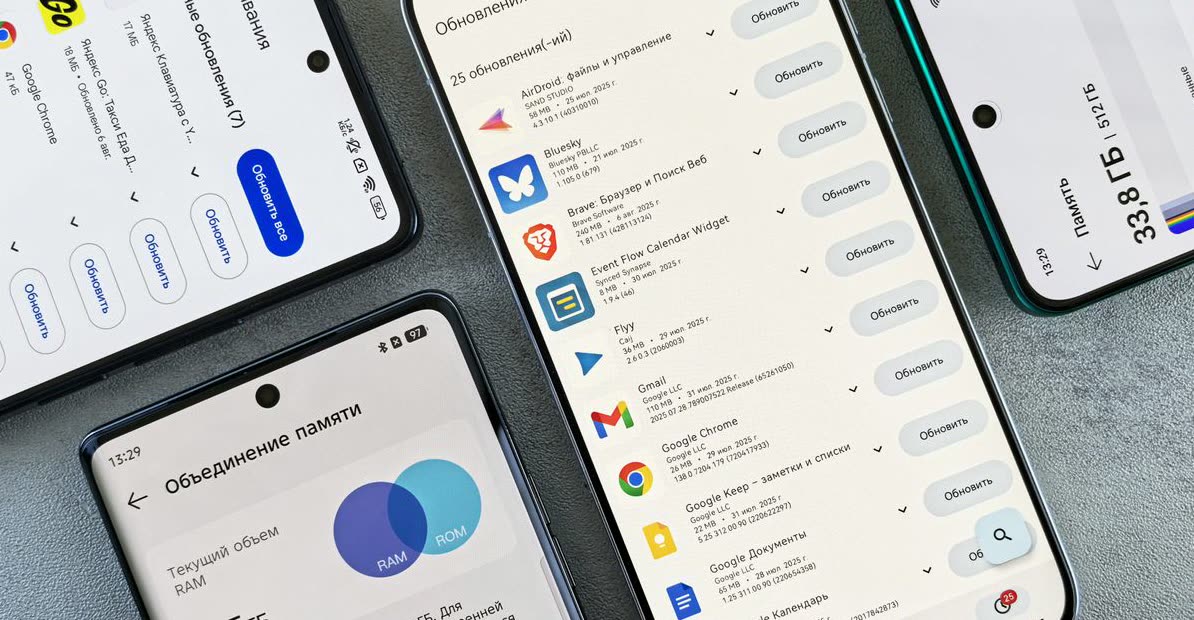
Your files, in your Telegram chat
Bot results include operation hashtags, so you can find them again with Telegram search.
An image Mini App
Compress, convert, resize, rotate, crop an avatar or remove EXIF locally. Other tools open in the bot.
Start with daily free uses
3 free uses of this tool per day. PRO removes daily use limits; it does not raise the bot’s 20 MB incoming-file limit.
Invite friends
The bot has a referral program. Commission depends on eligible purchases and the program’s conditions; income is not guaranteed.
Why Smaller Files Matter
Ever tried to send a big presentation or a collection of high-res photos, only to hit a size limit? Or waited forever for a download to finish? Large files eat up storage, hog bandwidth, and can be a real pain to share. Optimizing their size isn't just about saving space; it's about making your digital life smoother and faster, especially when sharing links or uploading to cloud services.
A smaller file means quicker uploads to shared drives, faster downloads for your recipients, and less frustration for everyone involved. It's the difference between a seamless exchange and a long, drawn-out wait.
How to Optimize Your File Size in Telegram
File Hub makes shrinking your files incredibly simple, right within your Telegram chats. No extra apps, no complicated software.
- Find @dwnl_hub_bot: Open Telegram and search for @dwnl_hub_bot.
- Start the Bot: Tap on the bot and press 'Start'.
- Send Your File: Forward or upload the large file (or multiple files) you want to shrink directly to the bot.
- Choose Your Compression: The bot will offer options. For general file size reduction, select the 'Archive' tool.
- Download Optimized File: Once processed, the bot will send back your newly compressed archive, significantly smaller and ready to share or store.

Pro Tips for Optimal File Management
Beyond just shrinking, smart file management helps keep things tidy. Consider archiving related documents together before compressing them – this not only reduces their overall size but also organizes them into one neat package. For example, all project documents or a set of vacation photos can go into a single ZIP file. Also, remember that while compression is great, extreme compression can sometimes affect file quality for certain media types. For general documents and image collections, however, the benefits far outweigh any minor potential drawbacks. Always preview important files after compression if quality is paramount.
FAQ
What types of files can I compress?
Does compressing files affect their quality?
Is there a limit to the file size I can send?
Put this guide to work
Try the tool with your own file. No separate File Hub account or desktop converter needed.
Open File Hub in TelegramBot uploads: up to 20 MB, including PRO. HD photo downloads require PRO.