
Easily Reduce Video File Size for Sharing & Storage
Put this guide to work
Try the tool with your own file. No separate File Hub account or desktop converter needed.
Open File Hub in TelegramBot uploads: up to 20 MB, including PRO. HD photo downloads require PRO.
This guide was prepared with AI assistance. Stock images illustrate the topic; they are not examples of processed files. Check the current options and limits in File Hub.
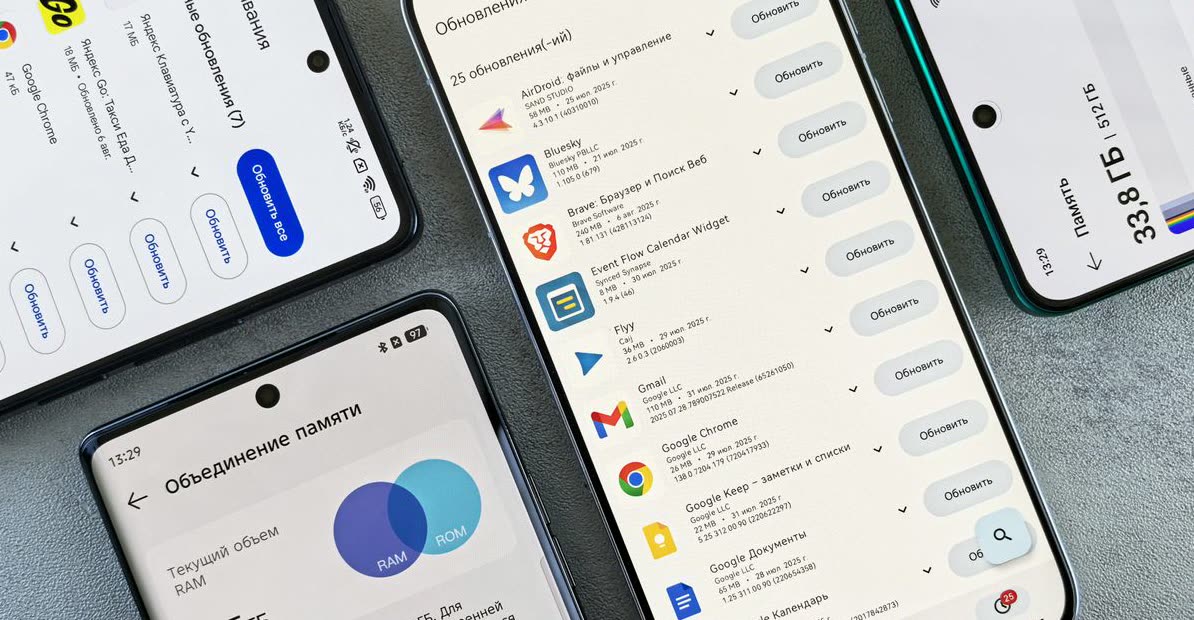
Your files, in your Telegram chat
Bot results include operation hashtags, so you can find them again with Telegram search.
An image Mini App
Compress, convert, resize, rotate, crop an avatar or remove EXIF locally. Other tools open in the bot.
Start with daily free uses
2 free uses of this tool per day. PRO removes daily use limits; it does not raise the bot’s 20 MB incoming-file limit.
Invite friends
The bot has a referral program. Commission depends on eligible purchases and the program’s conditions; income is not guaranteed.
Your Videos Are Too Big – Here's Why That's a Problem
Ever tried to send a video to a friend, only to hit a "file too large" error? Or maybe your phone storage is constantly full because of all those high-resolution clips? Modern cameras capture incredible detail, but that detail comes at a cost: huge file sizes. This makes sharing slow, eats up cloud storage, and clogs your device.
You need a reliable way to slim down those videos without turning them into a blurry mess. That's where a good file downsize utility comes in handy. But finding one that's fast, free, and genuinely works without hassle can be a challenge.
How to Downsize Video Files Instantly in Telegram
Forget downloading clunky apps or navigating complicated websites. You can reduce your video file size right inside Telegram using @dwnl_hub_bot. It's incredibly straightforward:
- Open Telegram and search for @dwnl_hub_bot.
- Send your video file directly to the bot.
- The bot will present you with options. Tap the "Compress" button.
- Wait a moment. The bot processes your video and sends back a significantly smaller version, ready to share or save.
Maximize Storage, Share Faster, Stay Private
Using @dwnl_hub_bot as your video file downsize utility offers several advantages:
- Save Storage: Free up valuable space on your phone, computer, or cloud drives.
- Faster Sharing: Smaller files upload and download much quicker, perfect for messaging apps or email.
- Maintain Quality: The bot intelligently compresses without drastically compromising visual quality, especially for social media and casual sharing.
- Privacy First: Your files are processed within Telegram; no need to upload sensitive content to unknown third-party websites.
- No Extra Apps: Everything happens in an app you already use.
It's the smart way to handle large video files, making your digital life smoother and less cluttered.
FAQ
Will downsizing my video reduce its quality?
What video file formats does the bot support for downsizing?
Is there a limit to the size of the video file I can send for downsizing?
Put this guide to work
Try the tool with your own file. No separate File Hub account or desktop converter needed.
Open File Hub in TelegramBot uploads: up to 20 MB, including PRO. HD photo downloads require PRO.