
Compress PDFs to HD Quality Without Sacrificing Clarity
Put this guide to work
Try the tool with your own file. No separate File Hub account or desktop converter needed.
Open File Hub in TelegramBot uploads: up to 20 MB, including PRO. HD photo downloads require PRO.
This guide was prepared with AI assistance. Stock images illustrate the topic; they are not examples of processed files. Check the current options and limits in File Hub.
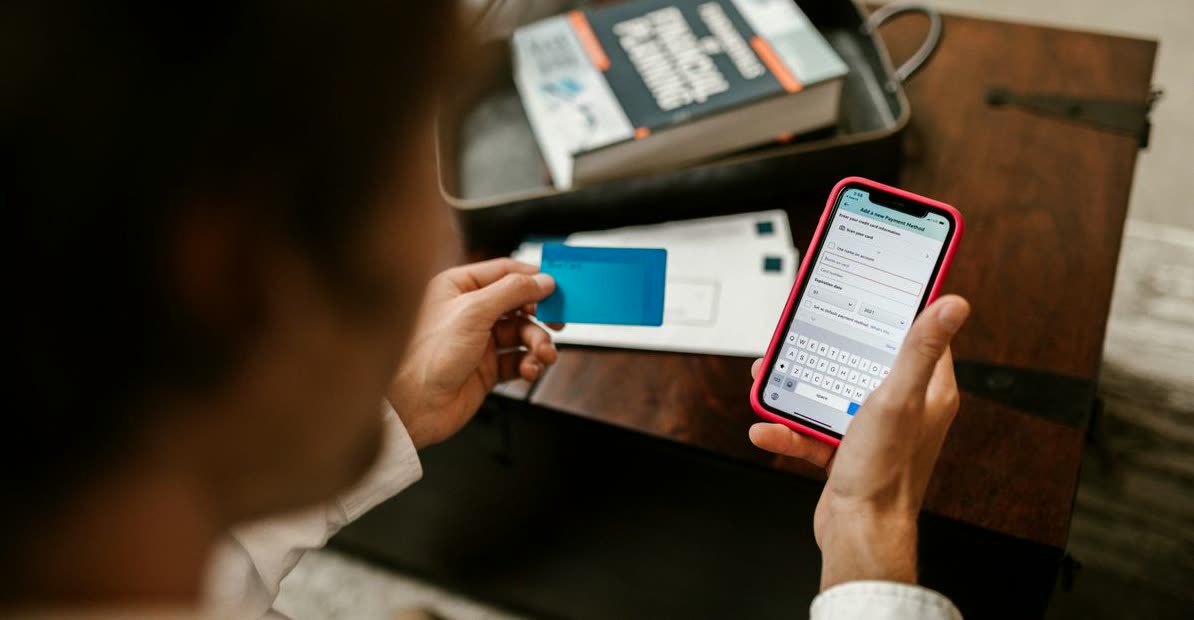
Your files, in your Telegram chat
Bot results include operation hashtags, so you can find them again with Telegram search.
An image Mini App
Compress, convert, resize, rotate, crop an avatar or remove EXIF locally. Other tools open in the bot.
Start with daily free uses
2 free uses of this tool per day. PRO removes daily use limits; it does not raise the bot’s 20 MB incoming-file limit.
Invite friends
The bot has a referral program. Commission depends on eligible purchases and the program’s conditions; income is not guaranteed.
Why Your PDFs Need Smart Compression
Ever tried emailing a large PDF, only for it to bounce back? Or maybe you\"ve dealt with slow loading times on websites due to hefty document sizes. The problem isn't always the content; it's often the inefficient file size. Standard compression tools can aggressively shrink PDFs, but at a painful cost: readability. Blurred text, fuzzy images, and a generally unprofessional look are common side effects.
You shouldn't have to choose between a manageable file size and a high-definition document. Whether it's a presentation, a detailed report, or scanned images, keeping your PDFs crisp and clear while making them more portable is crucial. This is where smart compression comes in, preserving visual integrity while significantly reducing the file's footprint.
How to Achieve PDF HD Smart Compression in Telegram
Getting your PDFs perfectly optimized is straightforward with our File Hub bot on Telegram. It intelligently reduces file size while focusing on preserving the high-definition quality of your document.
- First, open Telegram and find our bot: @dwnl_hub_bot.
- Send your PDF file directly to the bot.
- The bot will automatically process the file. You\"ll receive options; select the one for compression.
- Choose the desired compression level, aiming for the 'Smart' or 'High Quality' option if available, or simply let the bot apply its intelligent compression.
- The compressed, high-quality PDF will be sent back to you, ready to share or store.
Beyond Compression: Maximizing Your PDF Experience
While smart compression is a game-changer, consider these tips for an even better PDF workflow. Always review your compressed PDF to ensure it meets your quality standards, especially if it contains intricate graphics or small text. For documents with many images, ensuring the original images are good quality before creating the PDF can also aid in better compression results. Remember, our bot can also handle other document tasks, helping you manage all your files efficiently right within Telegram.
FAQ
Will compressing my PDF truly keep it in HD?
What kind of PDFs benefit most from smart compression?
Is using a Telegram bot for this secure?
Put this guide to work
Try the tool with your own file. No separate File Hub account or desktop converter needed.
Open File Hub in TelegramBot uploads: up to 20 MB, including PRO. HD photo downloads require PRO.