
Optimize Images Fast: Get Stellar Quality, Smaller Files
Put this guide to work
Try the tool with your own file. No separate File Hub account or desktop converter needed.
Open File Hub in TelegramBot uploads: up to 20 MB, including PRO. HD photo downloads require PRO.
This guide was prepared with AI assistance. Stock images illustrate the topic; they are not examples of processed files. Check the current options and limits in File Hub.
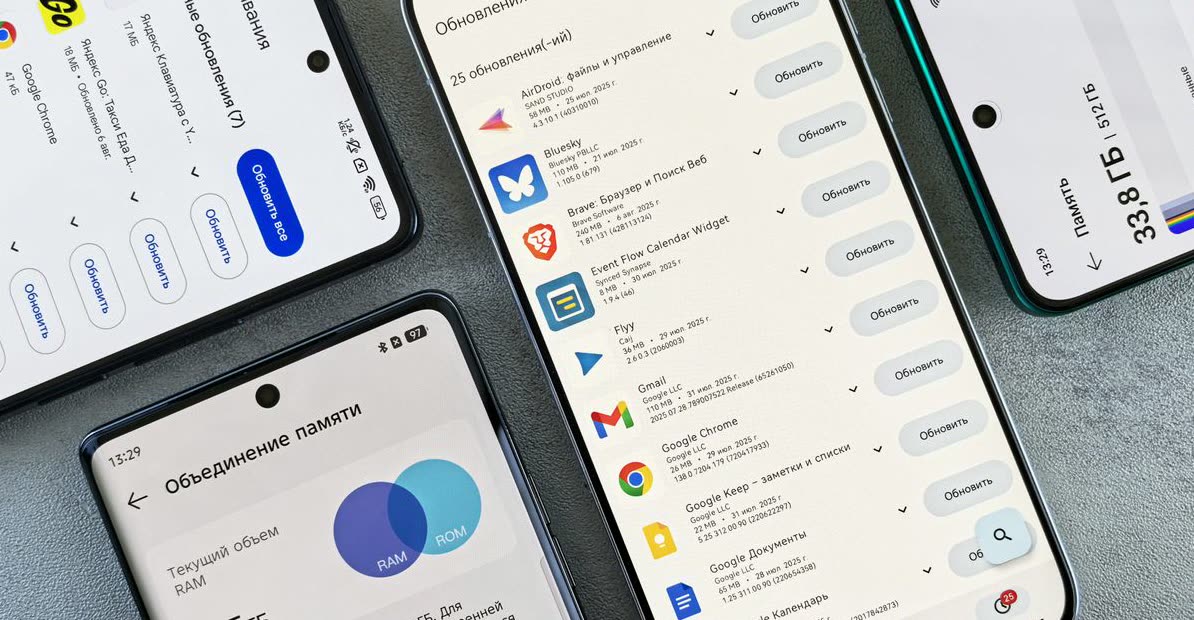
Your files, in your Telegram chat
Bot results include operation hashtags, so you can find them again with Telegram search.
An image Mini App
Compress, convert, resize, rotate, crop an avatar or remove EXIF locally. Other tools open in the bot.
Start with daily free uses
3 free uses of this tool per day. PRO removes daily use limits; it does not raise the bot’s 20 MB incoming-file limit.
Invite friends
The bot has a referral program. Commission depends on eligible purchases and the program’s conditions; income is not guaranteed.
Why Optimize Your Images?
Large image files slow down websites, gobble up storage, and make sharing a headache. Whether you're a blogger, a social media enthusiast, or just someone with too many photos on their phone, optimizing your images is crucial. It means faster loading times, more space, and a smoother experience for everyone.
But the goal isn't just a smaller file; it's a smaller file that still looks great. Nobody wants blurry, pixelated photos. The trick is finding that sweet spot between compression and quality, and doing it quickly.
How to Optimize Images Fast in Telegram
With File Hub, image optimization is just a few taps away. Forget about clunky software or confusing online tools. It all happens right inside your Telegram chat:
- Find @dwnl_hub_bot: Open Telegram and search for our bot.
- Send Your Image: Simply send the image you want to optimize directly to the bot.
- Choose Your Action: The bot will present options like 'Compress Image', 'Resize Image', or 'Convert Format'. Tap the one you need.
- Get Your Optimized File: In seconds, the bot will send back your perfectly optimized image, ready for use!
It's that simple to get pro-level optimization results without the fuss.
Pro Tips for Optimal Image Use
Getting the most out of your optimized images comes down to a few smart choices:
- Compress for Web: When uploading to websites, prioritize compression. Most screens won't show the difference between a 1MB and a 100KB JPEG if it's compressed well.
- Resize Thoughtfully: Don't upload a 4000px wide image if it will only display at 800px. Resizing before compression can yield even better results.
- Choose the Right Format: JPGs are great for photos, PNGs for graphics with transparency, and WEBP for modern web use due to its superior compression. Our bot can convert between these.
- Batch Process (Coming Soon!): While currently one-by-one, future updates will allow for even faster bulk processing, making your workflow even more efficient.
FAQ
Will optimizing my image reduce its quality too much?
Can I resize an image to specific dimensions?
What image formats does the bot support?
Put this guide to work
Try the tool with your own file. No separate File Hub account or desktop converter needed.
Open File Hub in TelegramBot uploads: up to 20 MB, including PRO. HD photo downloads require PRO.